Ranked Bars
Rank two to six values. One bar takes your colour.
Turns a video script into editable motion graphics for your timeline: 46 effects, five frame shapes, transparent overlays, rendered locally to MP4.
By aitroveVideoContent creationPaidChecked 2026-11-19
46 effects come with the skill, and every clip on this page was rendered by it. See all 46 effects
Each film is single clips from the skill joined end to end, with no sound. The words and figures are sample data.
Every effect has its own layout for wide and for vertical video, so nothing is cropped or squeezed. One option renders both.
Each effect is a designed animation that takes your words, numbers and images. The clips loop without sound and show the sample text.
Rank two to six values. One bar takes your colour.
Two values side by side with the gap worked out for the viewer.
One line over time, ending on the number that matters.
One share of a whole, as a ring that fills to its per cent.
"7 in 10" style ratios, counted out one dot at a time.
One number before a change and after it, with the difference called out.
Two options against three to five criteria. The right-hand column is the one you recommend.
One short claim, as large as the frame allows. One or two words take your colour.
A sentence from the script with one phrase run over by a marker.
A term the viewer may not know, defined in one sentence.
A common belief gets struck through and the accurate line takes its place.
One number, as big as the frame, with the sentence that explains it.
Someone else's words, set large, with who said them.
A process of three to five steps, in order.
Three to five moments in time, oldest first.
One thing in the middle and the three to six things that connect to it.
How many are left at each stage, and how many drop out between stages.
Three to five stages that feed each other and come round again.
Two or three parts that add up to one result.
Two groups and the thing they share.
Things placed on two scales at once. The top-right corner is the good one.
Three to five things to do, ticked off at speaking pace.
Two to four tips, each on its own card with a big numeral.
Reasons for on one sheet and reasons against on another.
A short exchange: a comment and a reply, or a question and its answer.
A month with the days that count filled in, and the total beside it.
A screenshot in a window; the camera moves in on the part you are talking about and labels it.
A few lines of a document, rule or email, with the one that matters marked.
Three to five pictures dealt onto the table like prints; one comes forward.
A scatter of related words with the one that matters in the middle.
A new section: its number on a colour panel, its title beside it, and where you are in the video.
Every chapter on screen; the marker moves down to the one that starts now.
A loud section break: your colour fills the frame and a paper label lands on it.
The section title rolls across the whole frame in rows; the middle row carries your colour.
Strips of paper cross the frame and leave. Put the cut under the middle of the clip.
A circle grows to cover the frame, then opens from its centre onto the next shot.
Square tiles fill the frame corner to corner, then clear the same way.
Who is talking: a name and a line under it, in the lower corner.
A spoken line as big captions, a few words at a time, with the key words in your colour.
Point at something in the shot: a ring on the thing, a line, and a label.
What this part of the video is about, pinned in a corner, with a bar that fills as the part plays.
A nudge at the bottom of the shot: the link, the next video, a question for the comments.
You on one side, a small ranked chart on the other.
You on one side while your points arrive on the other, one at a time.
The number takes the frame and you stay in a round window in the corner.
Your footage in a paper frame with the video's title on it: an opening card.
An edit has two layers: you talking, and what the viewer sees while you talk. The library covers both.
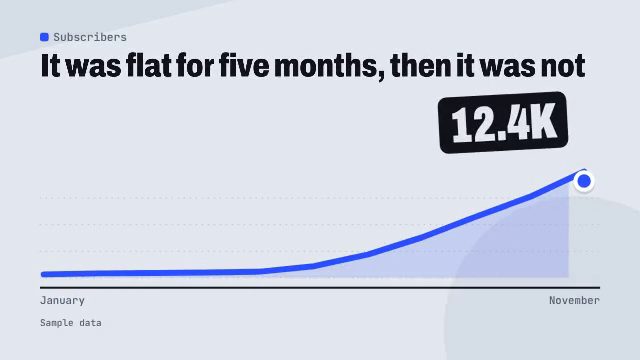
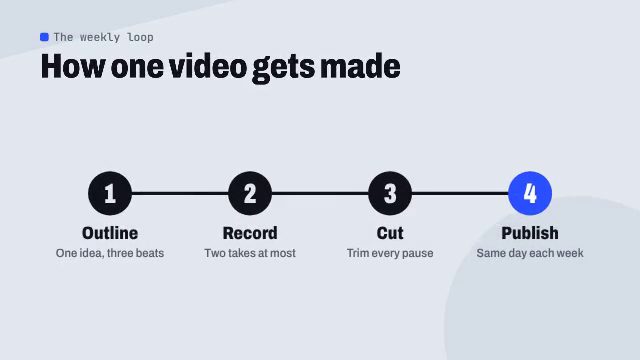
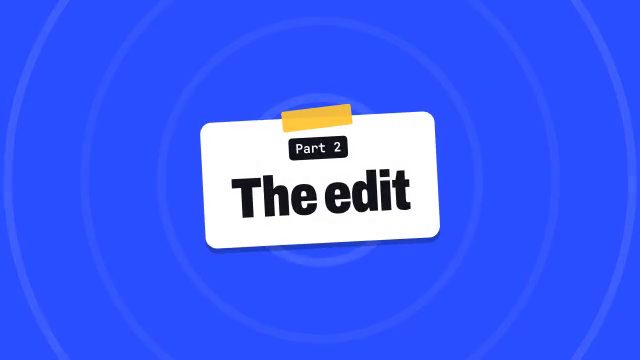
A chart for the number you just said, a checklist for the steps, a card for the new chapter. Opaque MP4 clips that go over the talking head for as long as the line lasts.
34 effects
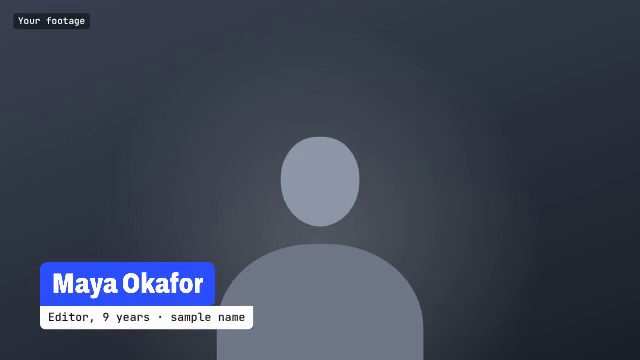
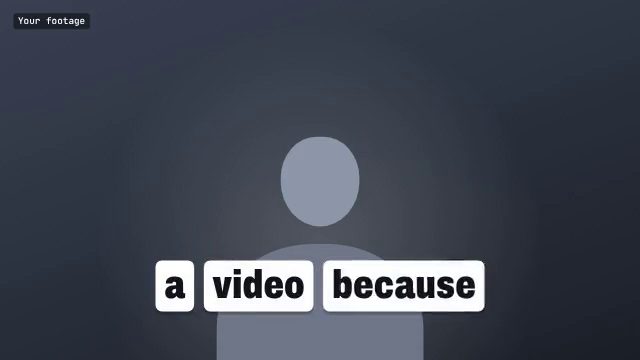
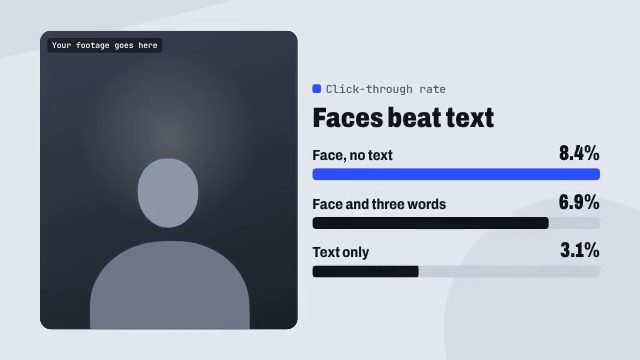
A name strap, captions for the line that matters, a pointer at something in shot, or your footage in a window beside a chart. Transparent clips for a track above your take, and layouts that take the footage itself.
12 effects
Pick a palette for the whole video and give one hex colour. The colour marks the one thing to look at; everything else is ink and paper.
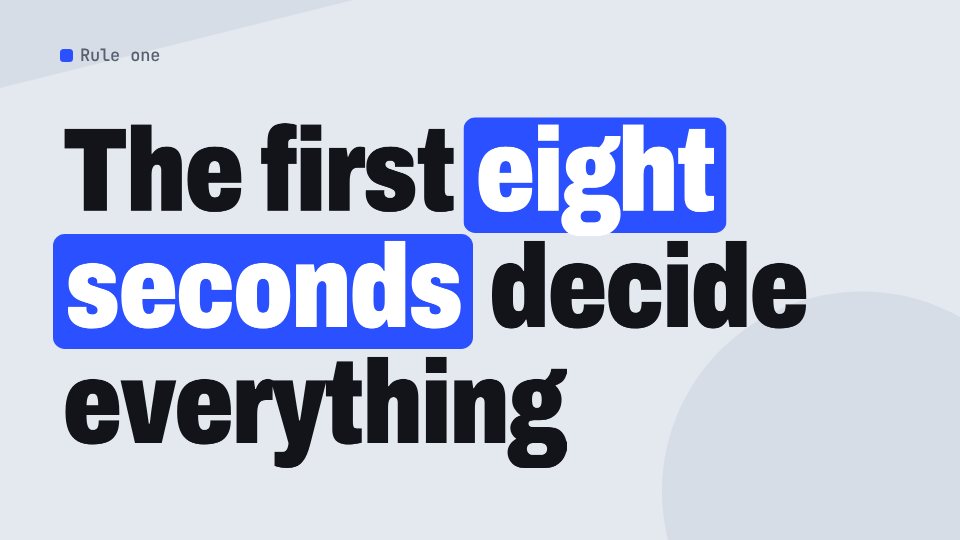
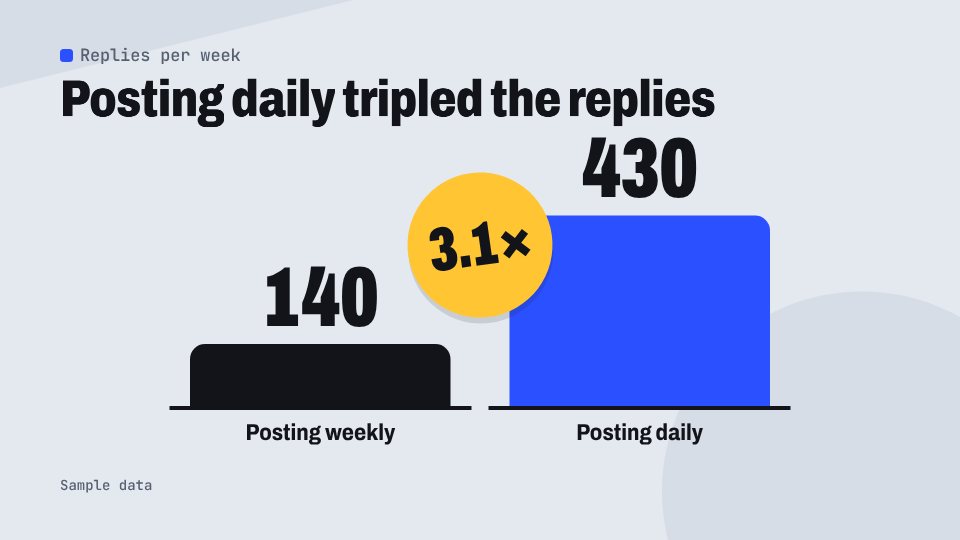
In the reel file this is one line. Any hex colour works.
"palette": "day", "brand": { "color": "#2B50FF" }
Unzip it into your agent's skills folder and run the bundled check. It needs Node, Chrome and ffmpeg, and no paid API keys.
Paste the script, name the frame shape and your colour. The agent marks the lines worth a graphic and shows you the plan as a table.
It writes one reel file, renders two stills per clip and runs a layout check. Change any word or number and look again.
One file per clip lands in a folder, named in script order. Cutaways go over the picture; transparent clips go on a track above it.
You ask
Here is my three minute script on why intros lose viewers. Make B-roll graphics for it in 16:9: one per key point, a chapter card for each section and a lower third for my name. Our blue is #2B50FF.
The agent plans a clip for each line
| Line in the script | Effect | Seconds |
|---|---|---|
| Section one starts | Numbered Chapter | 4 |
| "The median viewer watches less than half" | Giant Number | 5 |
| "Shorter intros keep more people" | Ranked Bars | 6 |
| "It is not the camera" | Struck and Replaced | 5.5 |
| "Three ways to open" | Numbered Cards | 6 |
| First time on camera | Name Strap | 5 |
| Cut to the screen recording | Paper Strips | 1.5 |
| "Before you publish, check four things" | Ticking Checklist | 6.5 |
| "The template is linked below" | Prompt Pill | 4.5 |
You get
reels/out/intros/9 clips1920x10806 MP4, 3 transparent MOV
This is the sample reel bundled with the skill. Clips have no sound: they sit over your own take in the editor.
Against the two usual ways to get graphics into a video. The other columns describe what is typical, not any one product.
| Cutaway | Template packs and apps | Prompting an agent from nothing | |
|---|---|---|---|
| What you edit | One text file of words and numbers | Layers in an editor, by hand | Whatever code the agent wrote that time |
| A consistent series | One style, three palettes, one typeface | Depends on the pack you bought | Varies from prompt to prompt |
| Wide and vertical | Each effect has a layout for five shapes | Often a separate template per shape | Asked for again each time |
| Checks before rendering | Stills, and a check that names text leaving the frame | Your own eye | None |
| Transparent overlays | ProRes 4444 or WebM with alpha | Built inside the editor | Possible, rarely set up |
| Running cost | None: it renders on your machine | Often a subscription | Model usage for every attempt |
| Limits | One visual style; no cutting, sound or background removal | Limited to the templates in the pack | No limits and no guard rails |
Turns a video script into motion graphics for the edit: animated charts, comparisons, diagrams, checklists, kinetic type, chapter cards, transitions, lower thirds, captions and presenter split-screens. The agent reads the script, picks the lines that deserve a picture and writes one small file: a list of clips, each naming an effect and holding its words and numbers. A bundled renderer draws every frame in headless Chrome and writes one video file per clip, in 16:9, 9:16, 4:3, 3:4 or 1:1, at 1080p or 4K. Charts and cutaways are MP4; overlays and transitions are ProRes 4444 or WebM with a transparent background, ready for a track above the footage. There are 46 effects in one paper-cut style with three palettes and a brand colour. Nothing is generated by a video model, so text stays sharp, numbers are exactly the ones in the file, and any clip can be changed and rendered again.
| Agent | Status |
|---|---|
| Claude Code | Reported (not hands-on tested) |
Unzip the skill into ~/.claude/skills/ (or your project's .claude/skills/), run node scripts/check.mjs inside the folder, then give your agent the script and the frame shape. It shows you a plan and stills, then runs node scripts/render.mjs.
Here is my three minute script on why intros lose viewers. Make B-roll graphics for it in 16:9: one per key point, a chapter card for each section and a lower third for my name. Our blue is #2B50FF.Yes. Each effect clip is that effect rendered by the bundled renderer from its sample text, scaled to 640x360 for this page. The films are single clips joined end to end. The names and figures in them are sample data.
A-roll is you talking to camera. B-roll is what the viewer sees while you keep talking. Cutaways and chapter cards are B-roll: they replace the picture. Overlays sit on top of the A-roll with a transparent background, and presenter layouts put your footage in a window beside a graphic.
The files are standard: H.264 MP4, and ProRes 4444 MOV or VP9 WebM with an alpha channel. Those are formats these editors import. We have checked the files with ffmpeg; we have not tested them inside each editor.
That is a stand-in for your footage. Presenter layouts take a video file and crop it into that window; overlays are transparent and are shown here over the stand-in so you can see them. No footage of a real person is bundled.
No. That effect needs a cut-out of the presenter, which this skill does not make. Everything here either sits on top of the footage or beside it.
No. There is no video model and no paid API. Clips render on your machine with Chrome and ffmpeg, as many times as you like.
You can choose a palette, set your brand colour, supply your own typeface and choose which effects to use. The layouts and the paper-cut style are fixed, which is what keeps a series consistent.
Source: https://www.aitrove.ai/skills-pack/previews/cutaway-showreel.mp4 · Author: aitrove
Setup instructions and compatibility are compiled from publisher docs and community reports, not hands-on testing, unless a step is marked Tested. Check the source before relying on a setup.