Dimmer Lighting Store
Builds a complete lighting store as one HTML file with a dimmer that turns the lamps on and the page dark, plus a pendant spacing planner.
By aitroveWebsiteFrontend Content creationPaidChecked 2026-11-17

Result previews

What it does
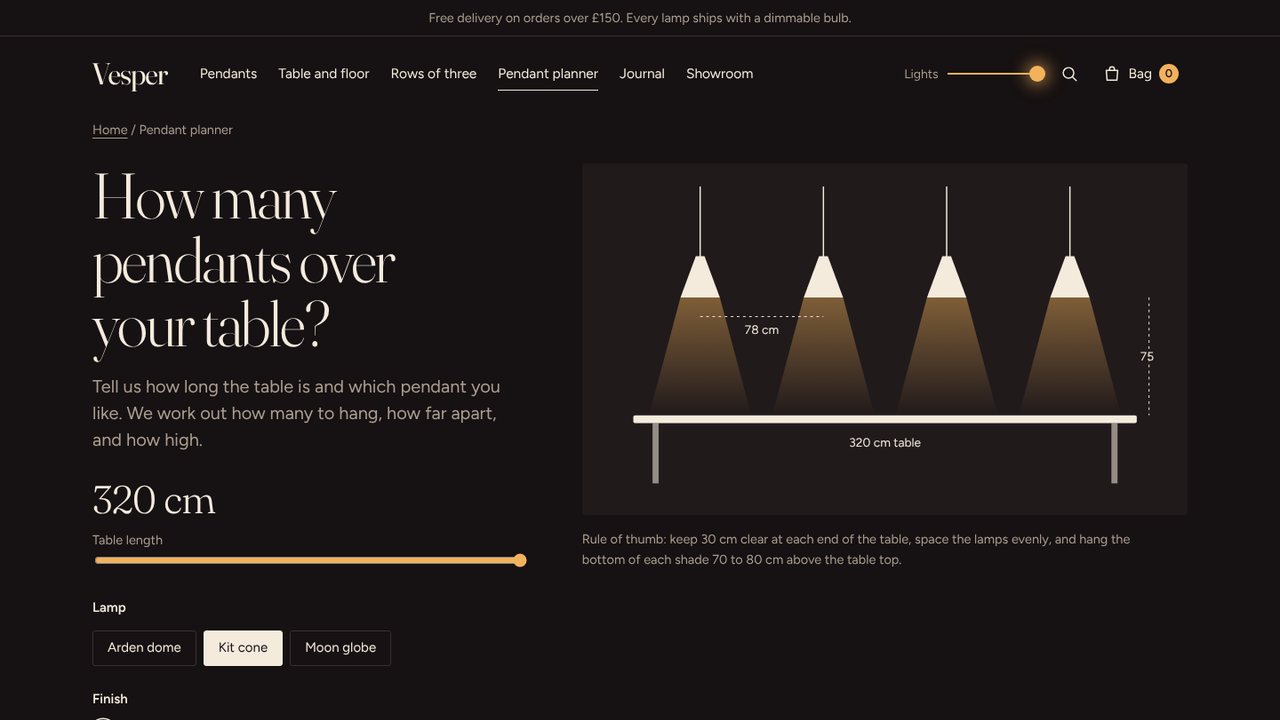
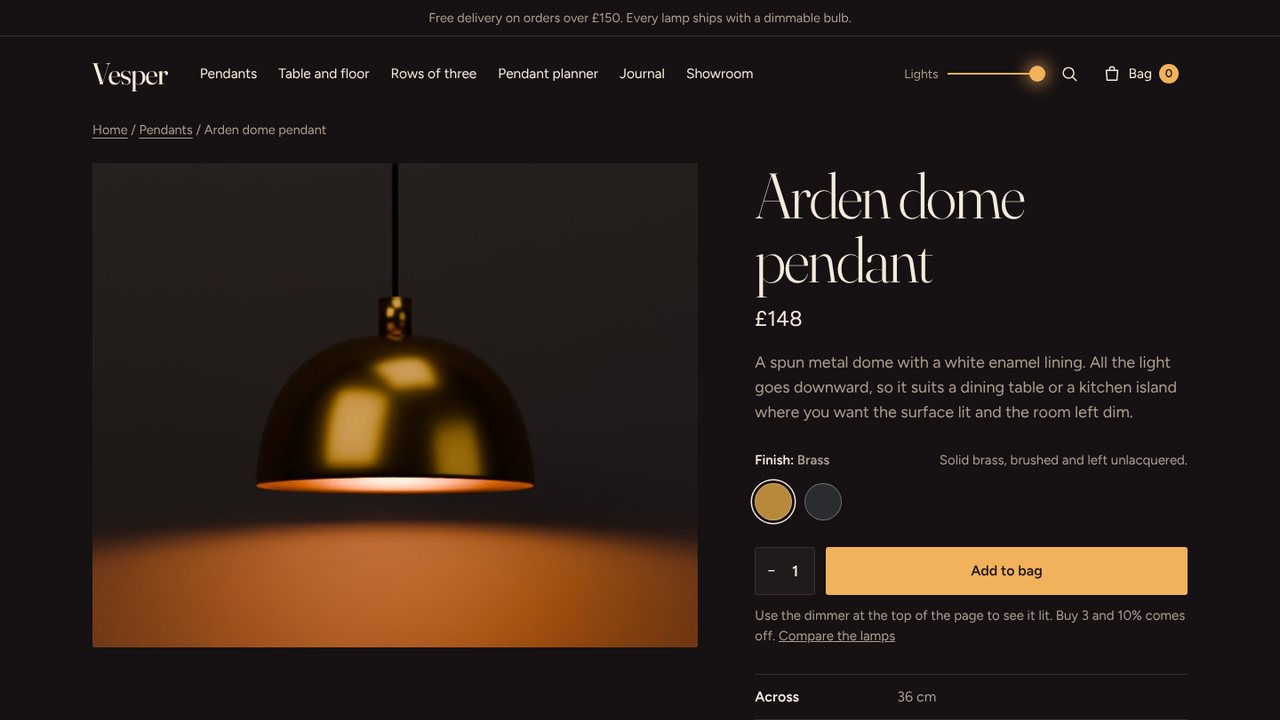
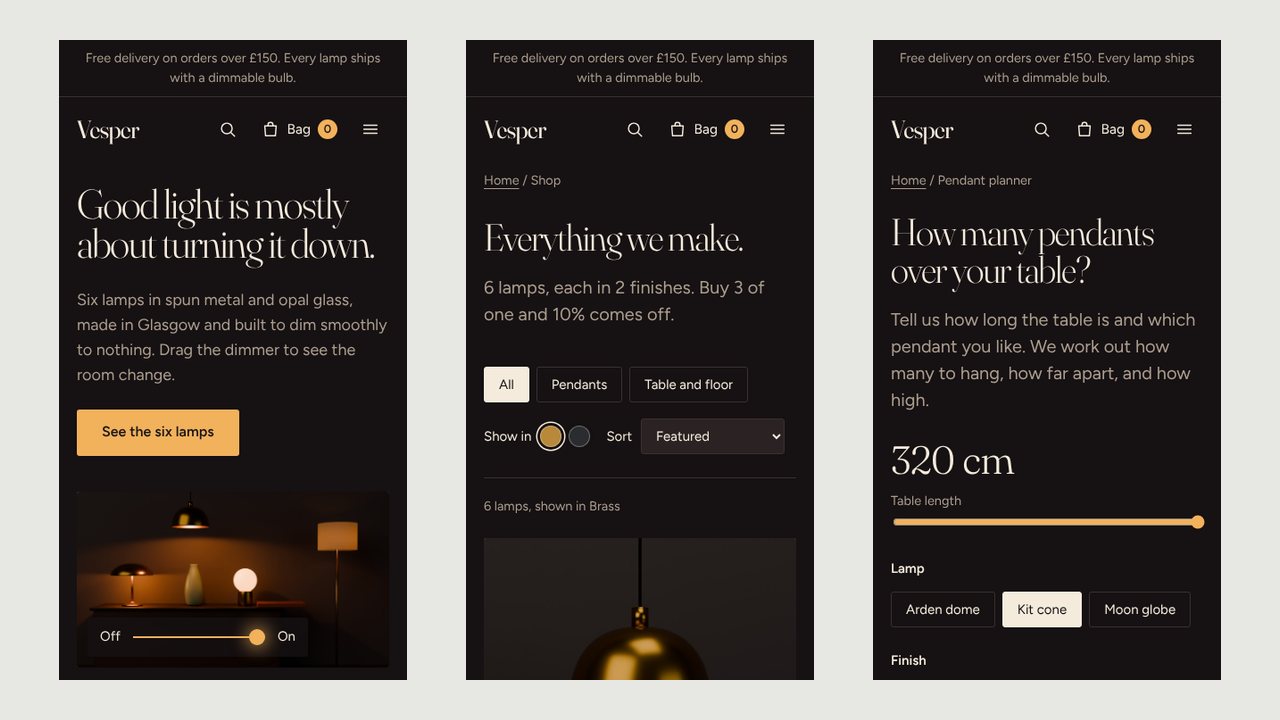
Builds a complete online store for lamps and lighting as one self-contained HTML file that opens offline. A dimmer in the header fades every lamp photo from off to on while the page moves from day to evening colours. A planner works out how many pendants fit over a table and how far apart to hang them, with a drawing. The agent fills in one content file and adds off and on photos of each lamp; bundled scripts build the store and check every page, the buying flow and the phone layout. The sample store has 33 pages and 30 photos.
What you get
- One HTML file with about 33 pages: home, shop, lamp pages, rows of three, finishes guide, pendant planner, compare, journal, showroom bookings, help pages, bag, checkout and 404
- A dimmer that fades lamp photos between off and on and shifts the whole page from day to evening
- A pendant planner that turns table length and ceiling height into a count, spacing and drop, with a diagram
- Working bag, set discount, promo code, delivery rules, search and form validation
- A check script with desktop and phone screenshots, and a Blender script that renders lamp photos in off and on pairs
Good fit
- Lighting makers and small lamp brands
- Furniture and interiors shops where the product looks different when it is on
- Agencies prototyping a store with one memorable interaction
Not for
- Large catalogues
- Taking real payments: checkout is a demo
- Products that have no on and off state
Compatibility
| Agent | Status |
|---|---|
| Claude Code | Reported (not hands-on tested) |
Set up
Set up for Claude Code
Unzip the skill into ~/.claude/skills/ (or your project's .claude/skills/), then ask your agent to build a store with it. The agent writes one content file, adds pictures and runs node scripts/build.mjs and node scripts/check.mjs.
Try it
Build a store for my lighting brand: six lamps in three finishes, with a planner for hanging pendants over a tableRequirements
- Node.js 18 or newer (22 or newer for the browser checks)
- Google Chrome or Chromium (optional, for the automatic checks and screenshots)
- Python with bpy and pillow (optional, only to render sample product photos)
FAQ
Is the live demo really what the skill makes?
Yes. The demo is the single HTML file the bundled build script produced from the skill's sample content and pictures. Your store has the same pages and behaviour with your own words, prices and photos.
Can customers actually pay?
No. Checkout, bookings, contact and gift cards are demos that confirm on screen. Nothing is charged, emailed or stored. To trade you need to connect a commerce backend, which this skill does not do.
Can I change the design?
Only within its rules. Each skill has one locked design with its own typefaces and layout. You change the content, colours it exposes and the pictures, not the layout.
Do I need two photos of every lamp?
For the dimmer effect, yes: one with the lamp off and one with it on, from the same position. A lamp with only one photo still shows, it just does not change.
Source: https://www.aitrove.ai/skills-pack/demos/dimmer-lighting-store.html · Author: aitrove
Setup instructions and compatibility are compiled from publisher docs and community reports, not hands-on testing, unless a step is marked Tested. Check the source before relying on a setup.