Glass Pitch Deck
Builds an editable 16:9 PowerPoint pitch deck in a dark glassmorphism style from a short outline, using Python and python-pptx.
By aitroveSlidesBusiness work Content creationFreeChecked 2026-11-16
Preview gallery
Result previews
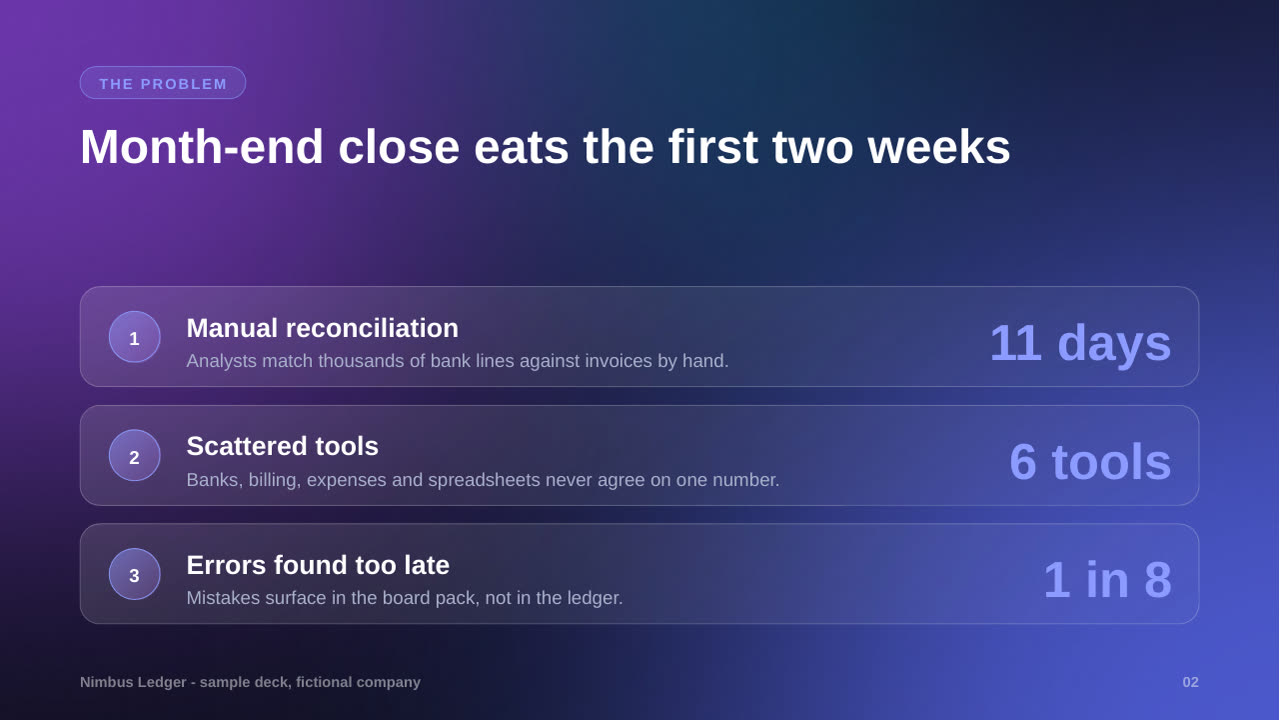
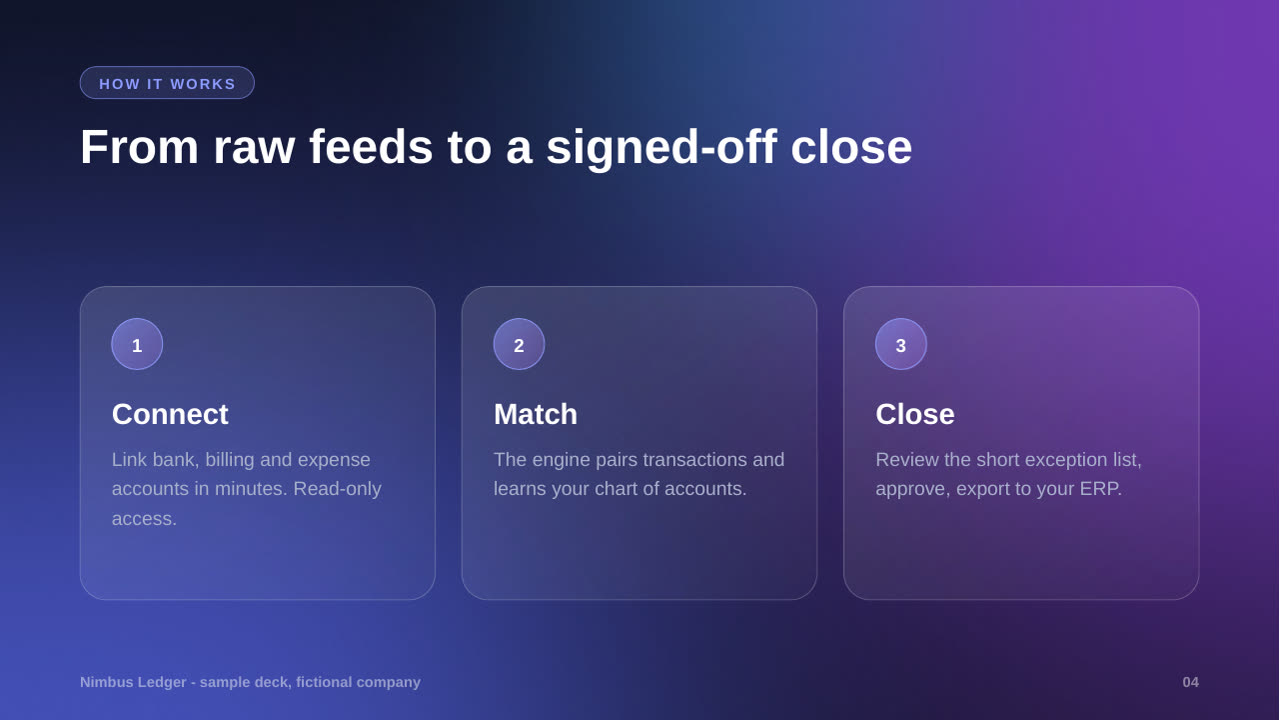
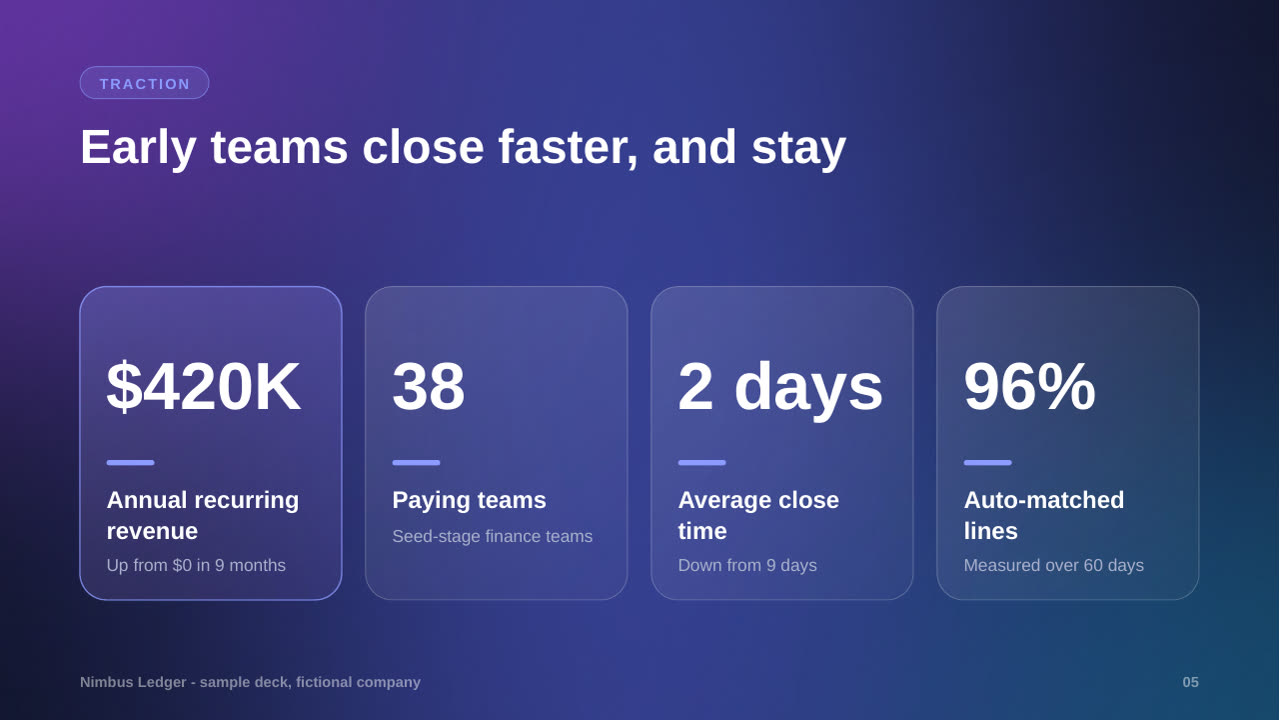
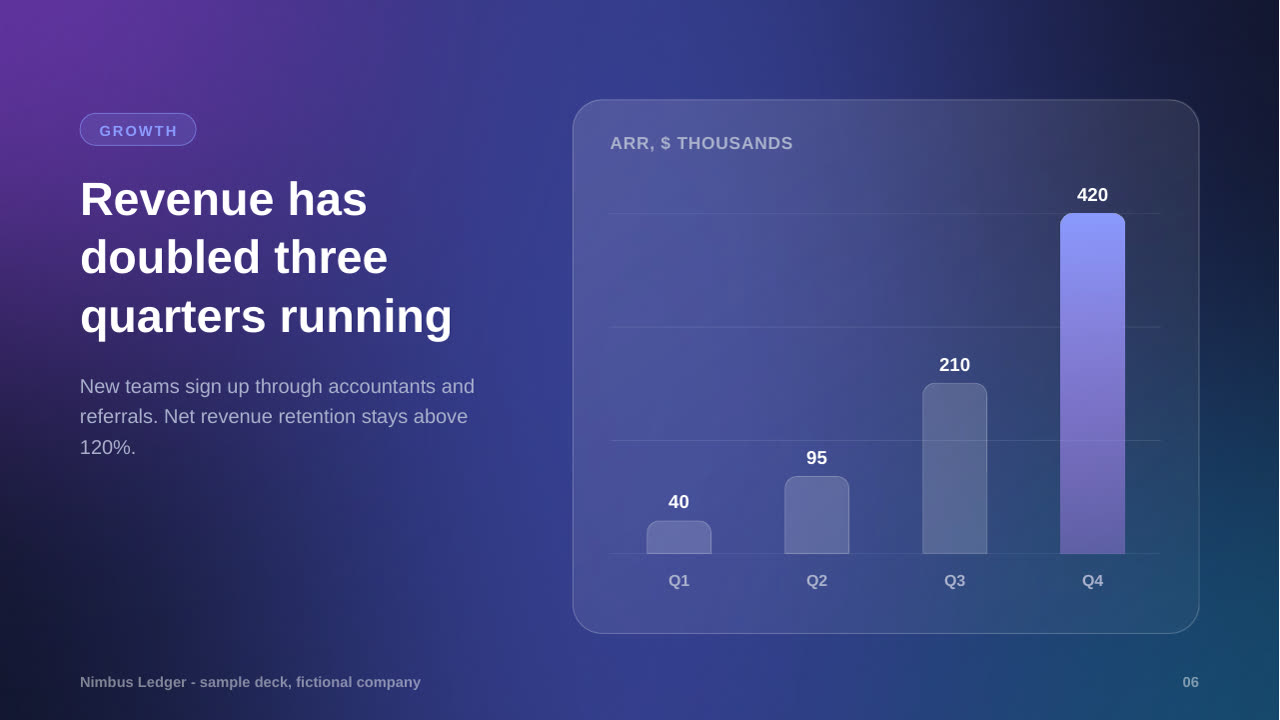
What it does
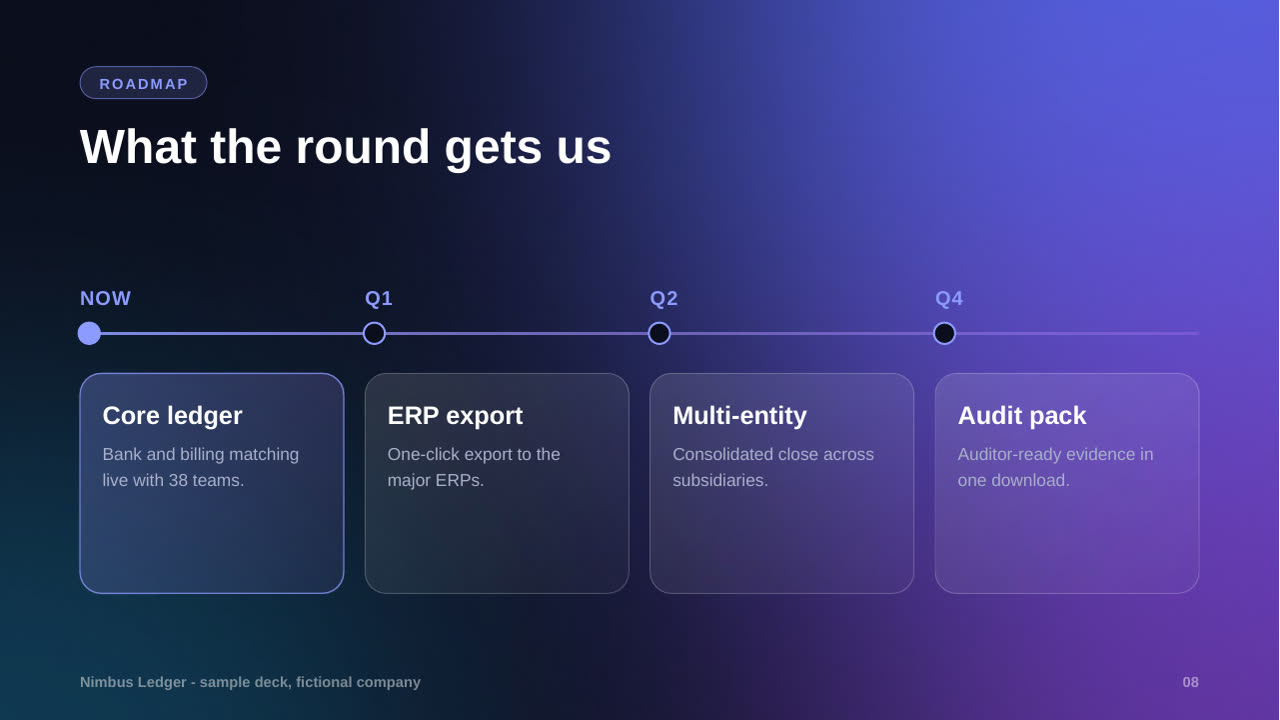
Builds an editable 16:9 .pptx pitch deck in a dark glass look: a glowing gradient background on every slide, frosted translucent cards with thin light borders, big numbers, a native bar chart and one accent colour. You write a short deck.json outline; a bundled builder checks it, builds the deck with twelve slide types and three colour themes, and can render PNG previews for a visual check. Needs only Python and python-pptx.
What you get
- A real, editable .pptx with twelve slide types: cover, section, problem, solution, cards, stats, bar chart, comparison, timeline, quote, team and ask
- Three colour themes: aurora (violet-blue), ember (orange-pink), emerald (green-teal)
- A deck.json outline the agent writes from your topic, with speaker notes
- Lint warnings for text that is too long, and an optional PNG preview to check every slide
Good fit
- Startup, investor and seed-round pitches
- Product launches and keynote-style talks
- Anyone who wants a modern dark deck as a strong first draft
Not for
- Photos, logos and screenshots: add them in PowerPoint afterwards
- Matching a company template
- Animated slides and transitions
- Heavy charts: there is one simple bar chart
Compatibility
| Agent | Status |
|---|---|
| Claude Code | Reported (not hands-on tested) |
Set up
Set up for Claude Code
Download the zip from the source link, unzip it into ~/.claude/skills/ (or your project's .claude/skills/), then run pip install python-pptx.
Try it
Build a 10-slide dark glass pitch deck for a note-taking startup, in the ember themeRequirements
- Python 3.9 or newer
- python-pptx (pip install python-pptx, includes Pillow)
- LibreOffice and poppler (optional, for the PNG preview check)
FAQ
Can I edit the deck afterwards?
Yes. Text, cards and bars are real PowerPoint objects. Only the glowing background of each slide is a picture.
Are the preview videos real videos?
They are slide-by-slide slideshows of two sample decks built with this skill and rendered from the actual .pptx files. The skill itself produces a .pptx, not a video. The company, people and numbers in the samples are fictional.
Will it look the same in Google Slides?
Mostly. PowerPoint and Keynote show the frosted translucency best; Google Slides may flatten some of it.
Source: https://www.aitrove.ai/skills-pack/glass-pitch-deck.zip · License: MIT · Author: aitrove
Setup instructions and compatibility are compiled from publisher docs and community reports, not hands-on testing, unless a step is marked Tested. Check the source before relying on a setup.