Priced Studio Site
Builds a studio website as one HTML file where visitors price their own project: fixed prices, a live estimate with a receipt, and a weekly timeline.
By aitroveWebsiteFrontend Content creationPaidChecked 2026-11-19
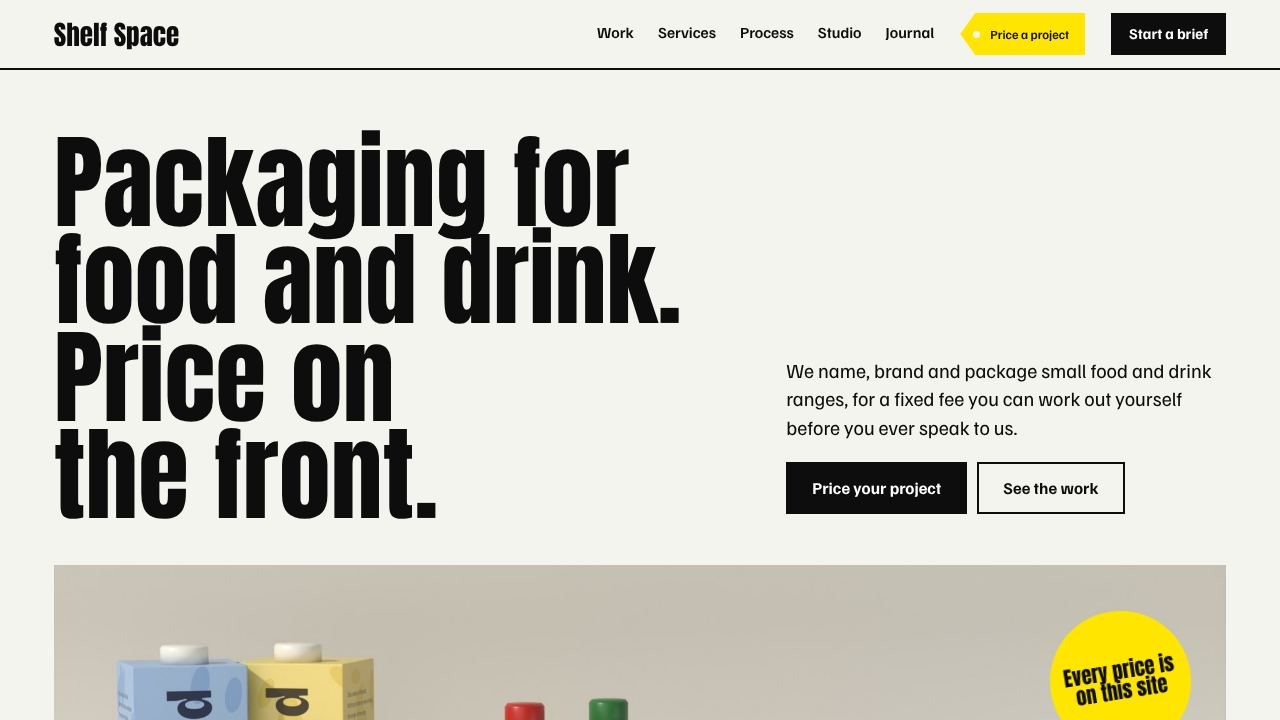
Result previews
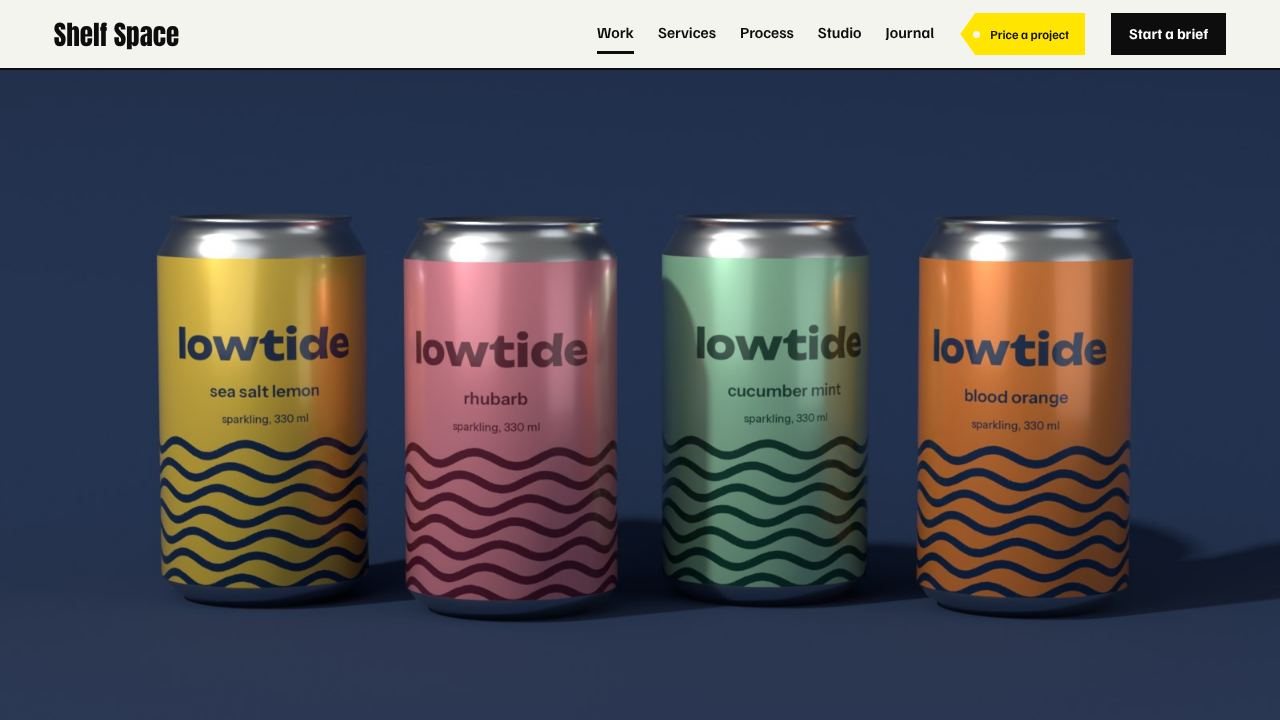
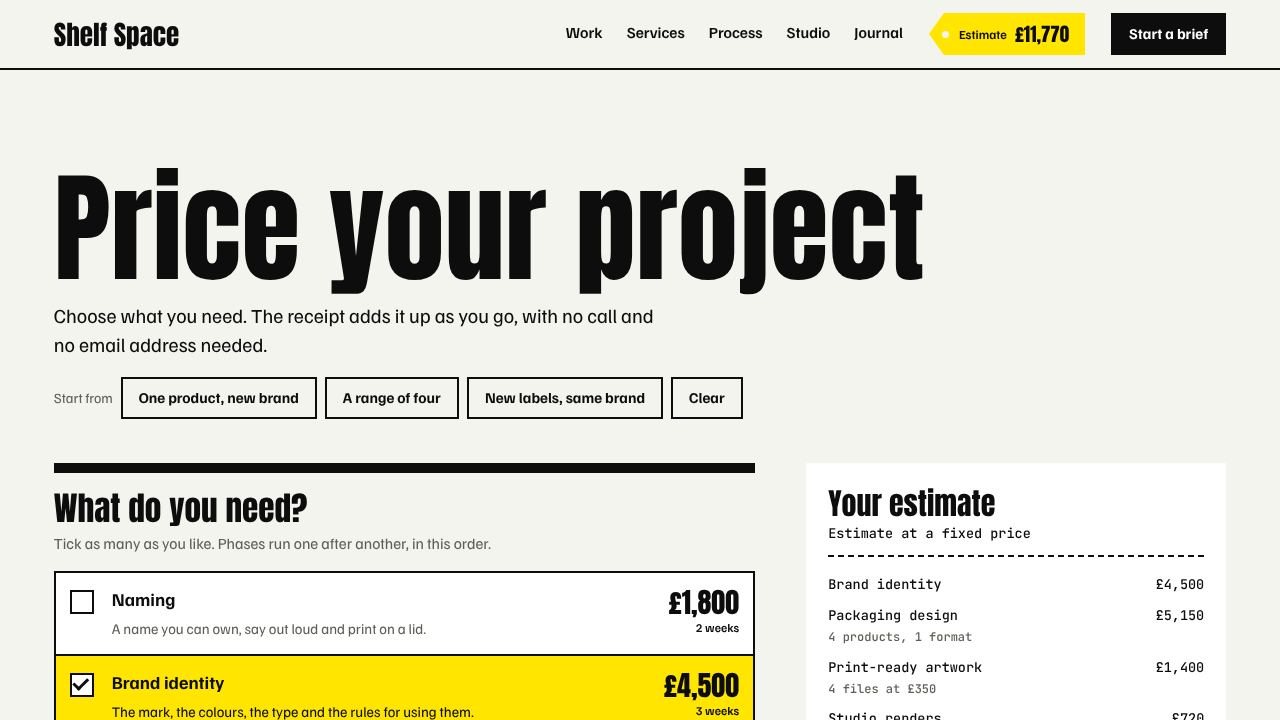
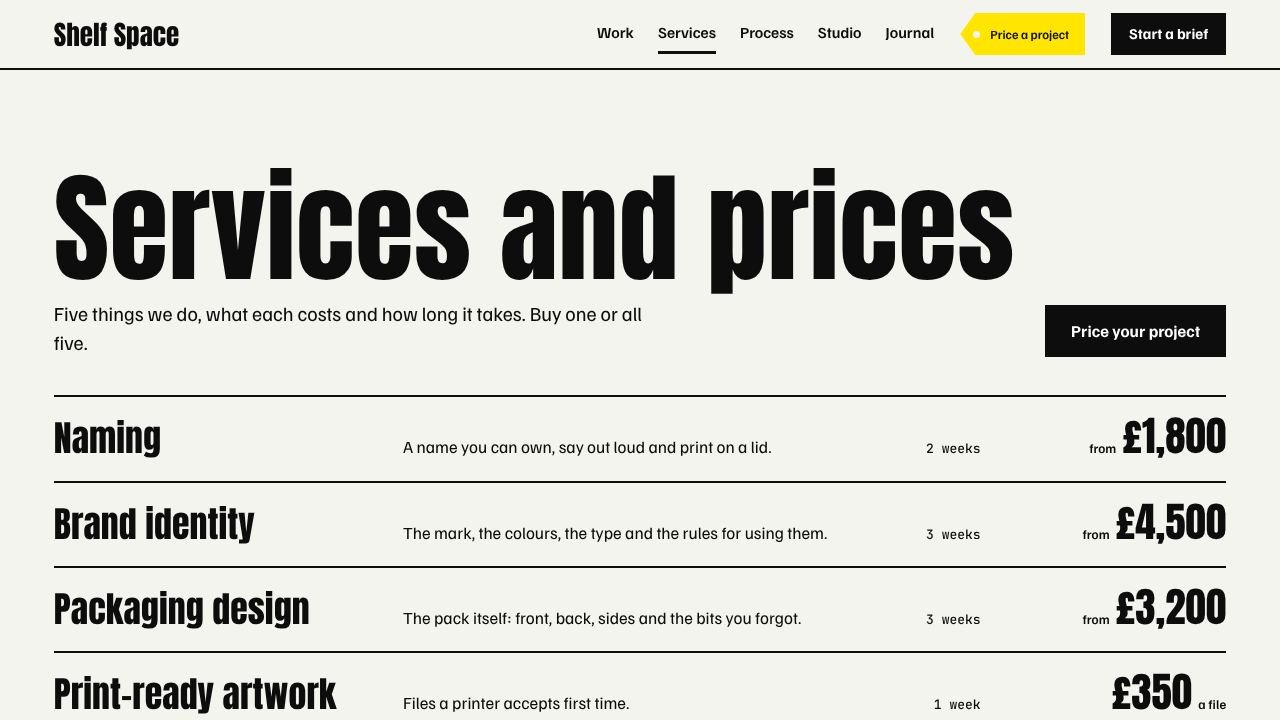
What it does
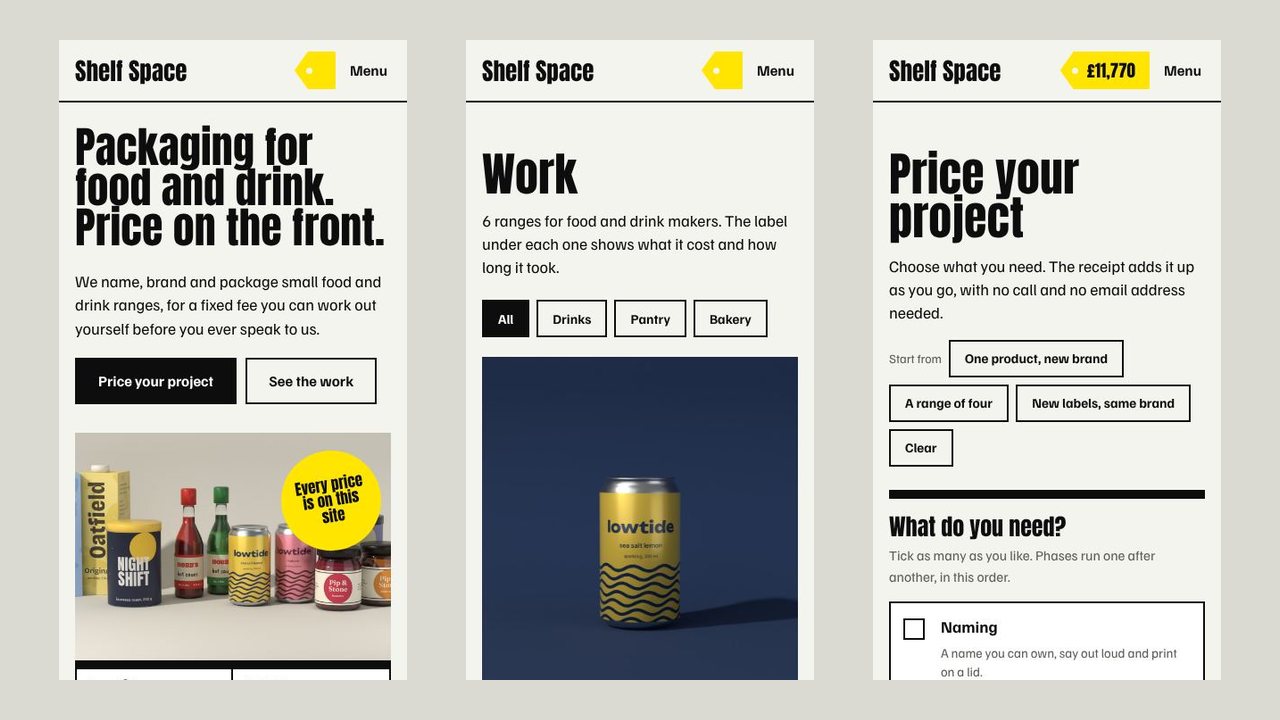
Builds a complete website for a design studio, agency or freelancer that publishes its prices, as one self-contained HTML file that opens offline. Visitors tick what they need in an estimate builder and get a receipt, a link they can share and a week-by-week timeline drawn from the same figures. Every case study shows what that project would cost on today's price list, and the check script fails if any figure on the site disagrees with the price list. The agent fills in one content file and adds pictures; bundled scripts build the site and check every page, every sum and the phone layout. The sample site has 27 pages and 32 pictures.
What you get
- One HTML file with about 27 pages: home with a product shelf, filterable work index, case studies, services with prices, estimate builder, process, studio, journal, questions, contact, a brief form, legal pages and 404
- An estimate builder that adds up a project from your price list, with a receipt, a shareable link, a saved estimate and print to PDF
- A timeline chart that turns the same estimate into weeks
- Case studies with a viewer for the shelf shot, the flat artwork and the logo, each priced from the current price list
- A check script that recomputes every price and takes desktop and phone screenshots, plus scripts that draw sample artwork and render packaging pictures in Blender
Good fit
- Design, branding and packaging studios that sell fixed-price pieces
- Freelance illustrators, photographers and web designers with a price list
- Agencies that want fewer unpriced enquiries
Not for
- Work priced by the hour or by negotiation: the estimate needs fixed prices
- Pricing with more than two counters, one per-picture extra and a rush option
- Receiving briefs by email: the brief form confirms on screen until you connect a form service
Compatibility
| Agent | Status |
|---|---|
| Claude Code | Reported (not hands-on tested) |
Set up
Set up for Claude Code
Unzip the skill into ~/.claude/skills/ (or your project's .claude/skills/), then ask your agent to build a site with it. The agent writes one content file, adds pictures if the site uses them and runs node scripts/build.mjs and node scripts/check.mjs.
Try it
Build a website for my packaging studio: six case studies, five fixed-price services, and an estimate builder so clients can price a project before they callRequirements
- Node.js 18 or newer (22 or newer for the browser checks)
- Google Chrome or Chromium (optional, for the automatic checks and screenshots)
- Python with bpy and pillow (optional, only to render sample product pictures)
FAQ
Is the live demo really what the skill makes?
Yes. The demo is the single HTML file the bundled build script produced from the skill's sample content. Your site has the same pages and behaviour with your own words, prices and pictures. The brand in the demo is fictional.
Does the estimate really add up?
Yes. It is worked out in the page from the price list in your content file: services, the number of products and formats, pictures and a rush option. The check script recomputes every case study and every preset and fails if the page shows a different figure.
Where do briefs go?
Nowhere yet. The brief form checks its fields and confirms on screen. Nothing is emailed or stored. To receive briefs, connect a form service or your own backend.
Can I change the design?
Only within its rules. The skill has one locked design with its own typefaces and layout. You change the content, the colours it exposes and the pictures, not the layout.
Source: https://www.aitrove.ai/skills-pack/demos/priced-studio-site.html · Author: aitrove
Setup instructions and compatibility are compiled from publisher docs and community reports, not hands-on testing, unless a step is marked Tested. Check the source before relying on a setup.